MSSM 4D System Conversion
MSSM otherwise known as Mount Sinai School of Medicine, now known as the Icahn School of Medicine at Mount Sinai, has seen a lot of change over the years. For me, it was the last position I held professionally, and enjoyed for fifteen years. Lets just say that over that long time a lot of water went under the bridge and a lot of change happens.
A bit of background
One of the most recent turns against keeping old software in place was the changes to the world, the addition of things like the cloud, and the even bigger changes in security requirements basically meant that you just could not keep old software running on old machines that could not be updated on newer systems any more. They became security problems, and any decent company, eventually has to take time and resources to do something about this, and that task fell in my lap a few months before my last days.
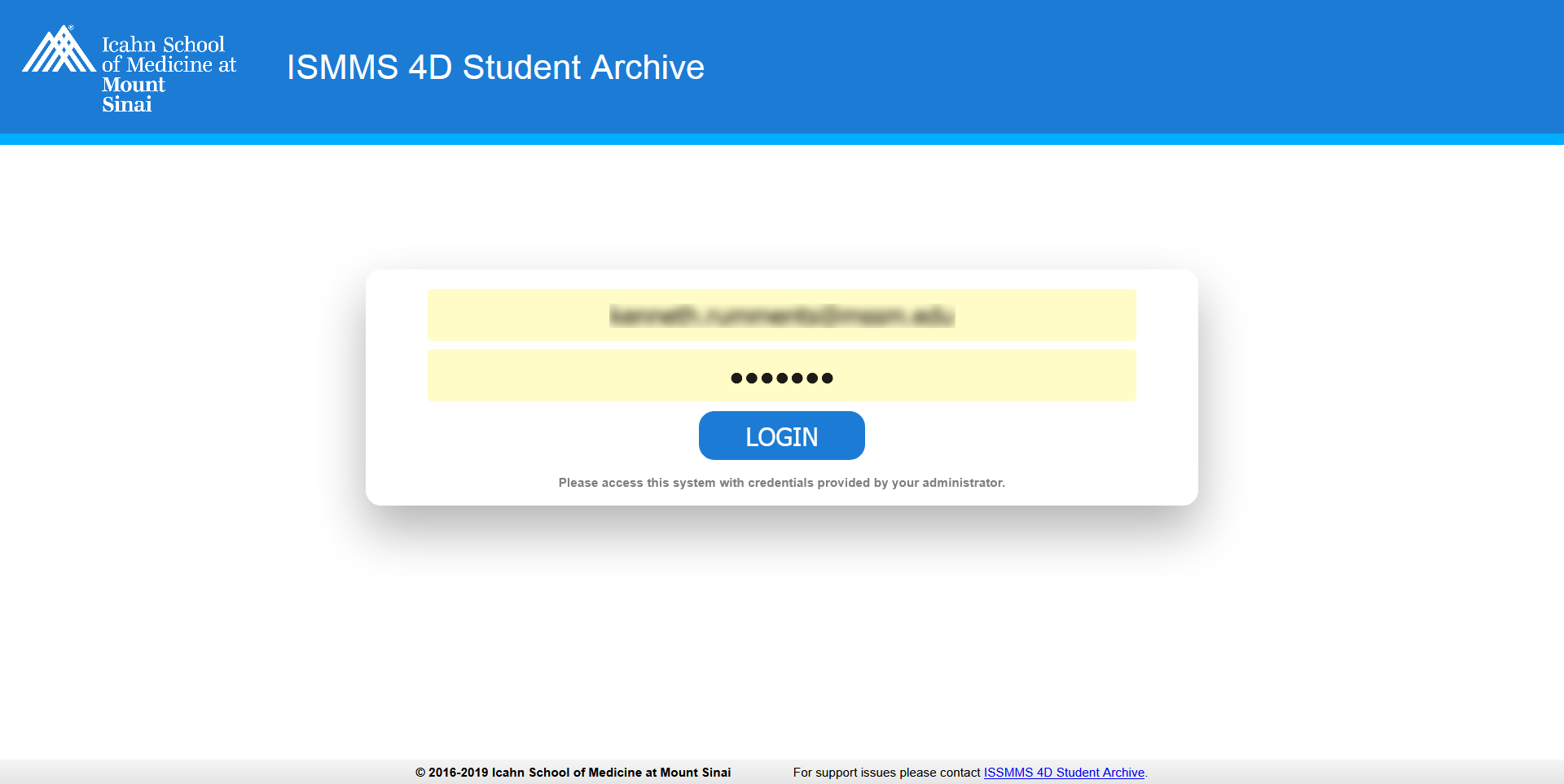
Most people have never heard of 4D. To be honest at the time I acquired this assignment, I never heard of it either, however when this was the situtaion, and there were all kinds of odd things in a project, that was often the project that was given to me (and I didnt mind the challenge). The software was now out of date, most of the accounts no longer operated, the data was locked away, and MSSM no longer wanted to pay the high fee to upgrade one more time. 4D is a relational database engine that had a focus on security, which meant that unraveling this gordion knot was not going to be all that easy. They did have one more access point, and they did have the dev system opened up a bit, but there was no documentation for the system, and 4D being so old, there weren't even tutorials to watch. I did figure out how to export the data that was in the system as XML information in files, and I had screen captures of the systems.
While I was trying to figure out the data, which included encrypted blocks, I had to also create a web based copy of the system.
Off To The Races
Much of the XML was able to be ported into an MSSQL database, including the blocks of encrypted data. The system was mainly three parts Graduate Students, Medical Students and Courses. All of this being linked together, none of it with documentation, much of it overlapping, and a very complicated Database Map was generated by the system. The best that could be done was to reproduce the old screens, which the system behaved much like Microsoft Access, and then validate the data was in the right place.
.png)
I started with the search screens (well actually I started with the login / passwords), as the search screens would connect to the various amounts of other data. Now of course I would love to show you more than just pictures, and allow people to try this out on my portfolio. However, that would mean that I have a copy of the software, and that is luxury my fealty to security would not allow. On top of this, the software would require copies of the data, and even worse security issue, which just won't happen. Lastly, a lot of the data in the images I will show are blury, because they contain information that is not general, and so, security, privacy, and just plain old good taste forces me to make the details unreadable. At best I can show are screen layouts and the use of tabs, and that is all. My apologies.
.png)
Once a search was completed, and the selection made, the rest of the subsystem appeared in a ColdFusion tabbed object.
.png)
If one has never worked with ColdFusion tabs, its an adventure. Probably why most such stuff would be done without CF and using Bootstrap or now Grid in vanilla CSS
.png)
Much of this data was not in an easy readable format. The less secure blocks were converted to Base64 for storage, but other parts were encrypted and figuring out how that worked was quite the challenge. Getting ColdFusion to reverse the process and make the information readable was another challenge.
.png)
The information in the screen captures were blanked out at the time they were saved, none of it exists today. The layout of the screens is not a secret, nor is the application available outside the internal systems of MSSM behind the firewalls.
.png)
.png)
Many of the fields had no data, others were marked so that the data in the old system could be found, searched for in the XML, traced to the Database field, and then added
.png)
Of course I am not going to show every screen of the system! This selection is some of the more interesting layouts. I guess the larger point was to show that almost any screen based application could now be moved to the web. If not directly, it can be duplicated in look, feel and even behavior if enough skill was employed
.png)
Here is a peek at the Graduate Student first screen. All in all the project came out very good, and only took about a month to a month and a half given the difficulties, and that not everyone was always available for the meetings needed to sit and validate the new system against the old systems data, which was being used to find where the systems stored it.
.png)
One of the problems I have in finding a new great company to work for, has been the fact that so much of my prior work was private, secure, contained patient data, etc. All are and have some security behind them, and most of them cant be shown. While this system had personal data, there is none revealed in these screens and this was one of the few projects in which the data was so old, the layout of the screens really reveal nothing and could be shown.
.png)
All in all this was one of the more challenging, and to me more fun projects during my long career. There were lots and lots of them for all kinds of purposes pertaining and ranging from students to occaisonally something on the hospital side with patients or nurses, to even doing a lot of stuff for various Professors, and Doctors, helping them with research. I will probably always miss my days at MSSM.
Here is to hoping I find another company just as great and just as good to work for with maybe even more challenging and interesting things to do!!!